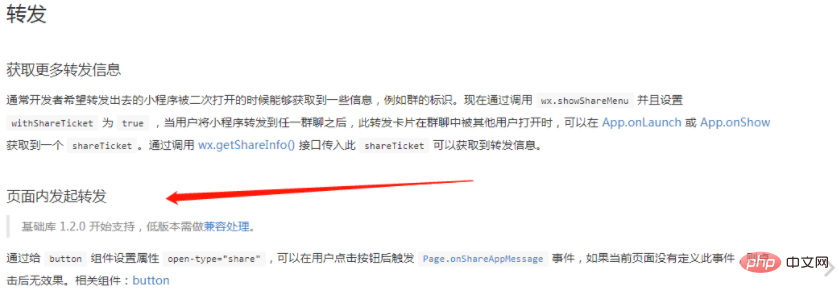
我们先来看看官方文档上的内容:
官方文档上说通过给 button 组件设置属性 open-type="share",可以在用户点击按钮后触发 Page.onShareAppMessage 事件,相关组件:button。
官网文档:https://developers.weixin.qq.com/miniprogram/dev/framework/open-ability/share.html
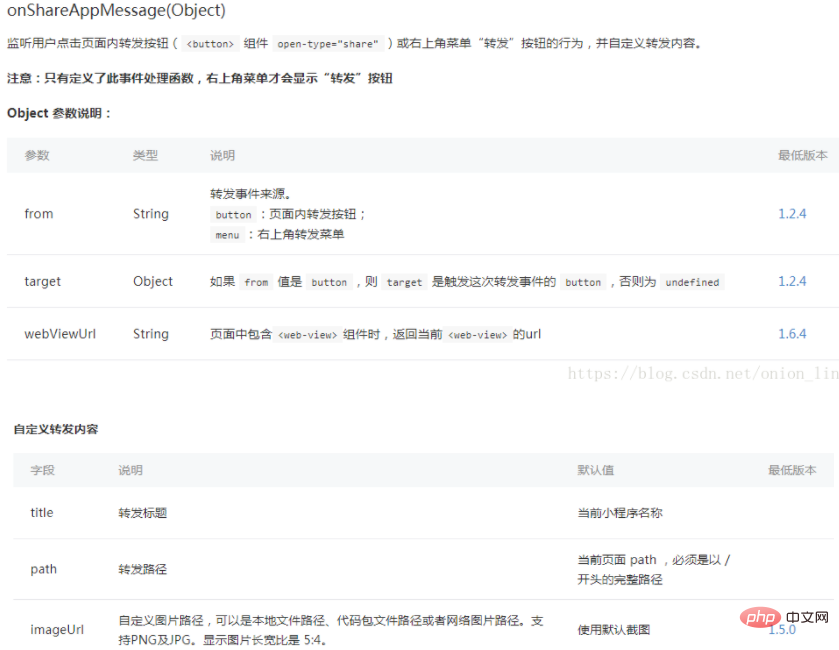
第一种情况 点击小程序转发
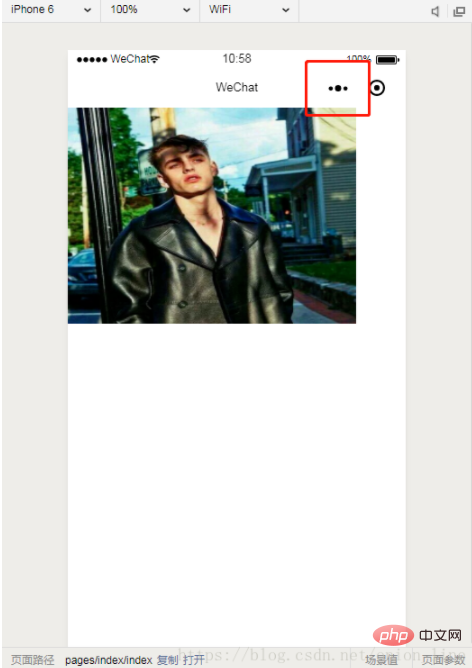
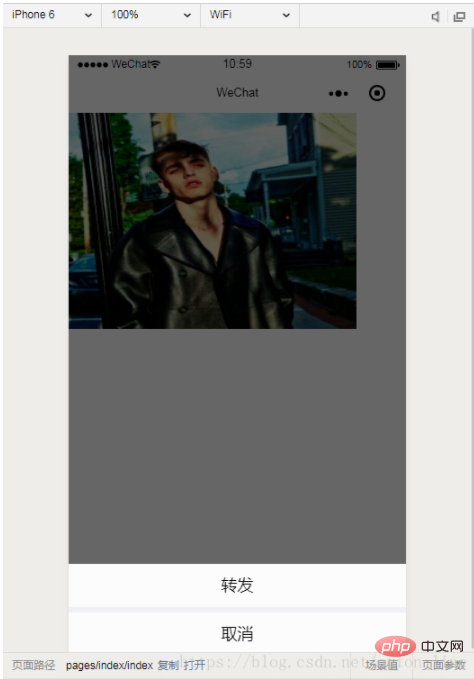
不加入参数
  //转发
  onShareAppMessage: function() {
    let users = wx.getStorageSync('user');
    if (res.from === 'button') {}
    return {
      title: '转发',
      path: '/pages/index/index',
      success: function(res) {}
    }
  }
登录后复制
加入参数
  //转发
  onShareAppMessage: function() {
    let users = wx.getStorageSync('user');
   if (res.from === 'button') {}
    return {
      title: '转发',
      path: '/pages/index/index?from_uid=' + users.id,
      success: function(res) {}
    }
  }
登录后复制
第二种:分享

这个分享必须做成button 且加上 open-type="share"
不加入参数
  onShareAppMessage: function (res) {
    if (res.from === 'button') {
    }
    return {
      title: '转发',
      path: '/pages/index/community/topic/topic',
      success: function (res) {
        console.log('成功', res)
      }
    }
  }
登录后复制
加入参数
  //转发
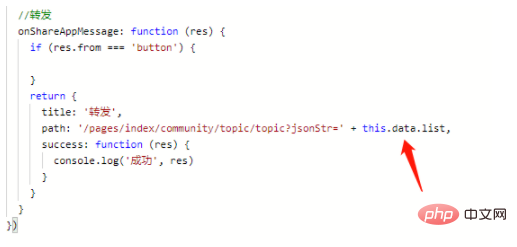
  onShareAppMessage: function (res) {
    if (res.from === 'button') {

    }
    return {
      title: '转发',
      path: '/pages/index/community/topic/topic?jsonStr=' + this.data.list,
      success: function (res) {
        console.log('成功', res)
      }
    }
  }
登录后复制
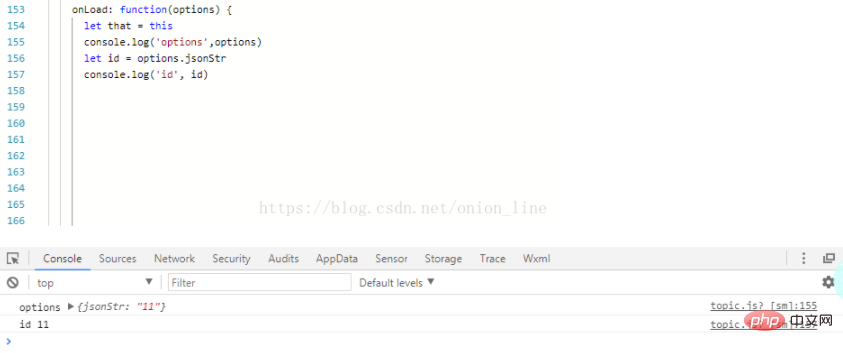
提醒:这里转发的参数要在onLoad 的options 运用
相关推荐:小程序开发教程【说明】:本文章由站长整理发布,文章内容不代表本站观点,如文中有侵权行为,请与本站客服联系(QQ:254677821)!