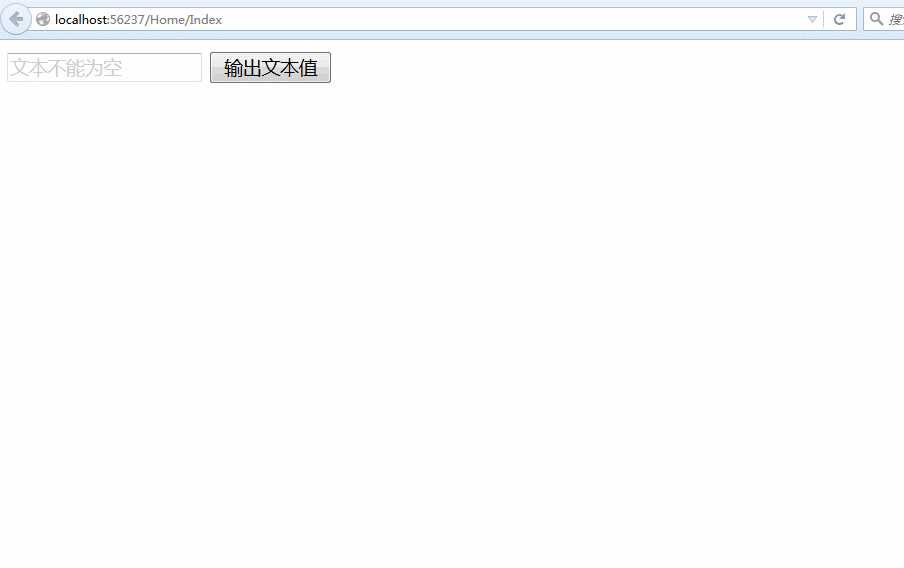
在开发Web应用程序中经常需要用户在文本框输入信息,为了提高程序人性化设置以及用户体验效果常常需要在文本框中显示灰色字体辅助用户输入
如:
"文本不能为空"是这样实现的,博主进行了适当的封装,建立简单MVC.NET应用程序的Demo引用Jquery的包,html代码
             1
            @{

             2     ViewBag.Title = "Index";
 3}
 4 <script src="~/Scripts/jquery-2.1.4.min.js"></script>
 5 <script src="~/Scripts/jquery-textboxhelper.js"></script>
 6 <script>
 7    $(function () {
 8         $(‘#button‘).click(function () {
 9var getTextValue = $(‘#text‘).val();
10if (getTextValue == ‘‘)
11            {
12                 alert("文本为空!");
13return;
14            }
15            alert(getTextValue);
16        })
171819         $("#text").TextTip("文本不能为空");
2021    })
22 </script>
2324 <input  id="text" type="text" />
25 <input id="button"  type="button" value="输出文本值"/>
关键在于自定义js文件jquery-textboxhelper.js
             1
            (function ($) {

             2
            var defaults = {
 3         fontColor: ‘#ccc‘,
 4         tipContent: ‘请输入内容‘,
 5         focusColor: ‘black‘ 6    };
 7 8     $.fn.TextTip = function (tipContent, fontColor) {
 9var options = {};
10        $.extend(options, defaults)
1112if (typeof tipContent == ‘string‘) {
13             options.tipContent = tipContent
14        }
1516if (typeof fontColor == ‘string‘) {
17             options.fontColor = fontColor
18        }
1920this.each(function () {
21             $(this).bind({
22                focus: function () {
23if (this.value == options.tipContent) {
24this.value = "";
25this.style.color = options.focusColor
26                    }
2728                }, blur: function () {
29if (this.value == "") {
30this.value = options.tipContent;
31this.style.color = options.fontColor
32                    }
33                }
34            })
3536             $(this).val(options.tipContent).css(‘color‘, options.fontColor);
37             $(this).blur();
38        })
39    }
40 })(jQuery);
演示:
原文:http://www.cnblogs.com/CallmeYhz/p/4885479.html
【说明】:本文章由站长整理发布,文章内容不代表本站观点,如文中有侵权行为,请与本站客服联系(QQ:254677821)!